Understanding Plant 3D Modeling Fundamentals
What is Plant 3D Modeling?
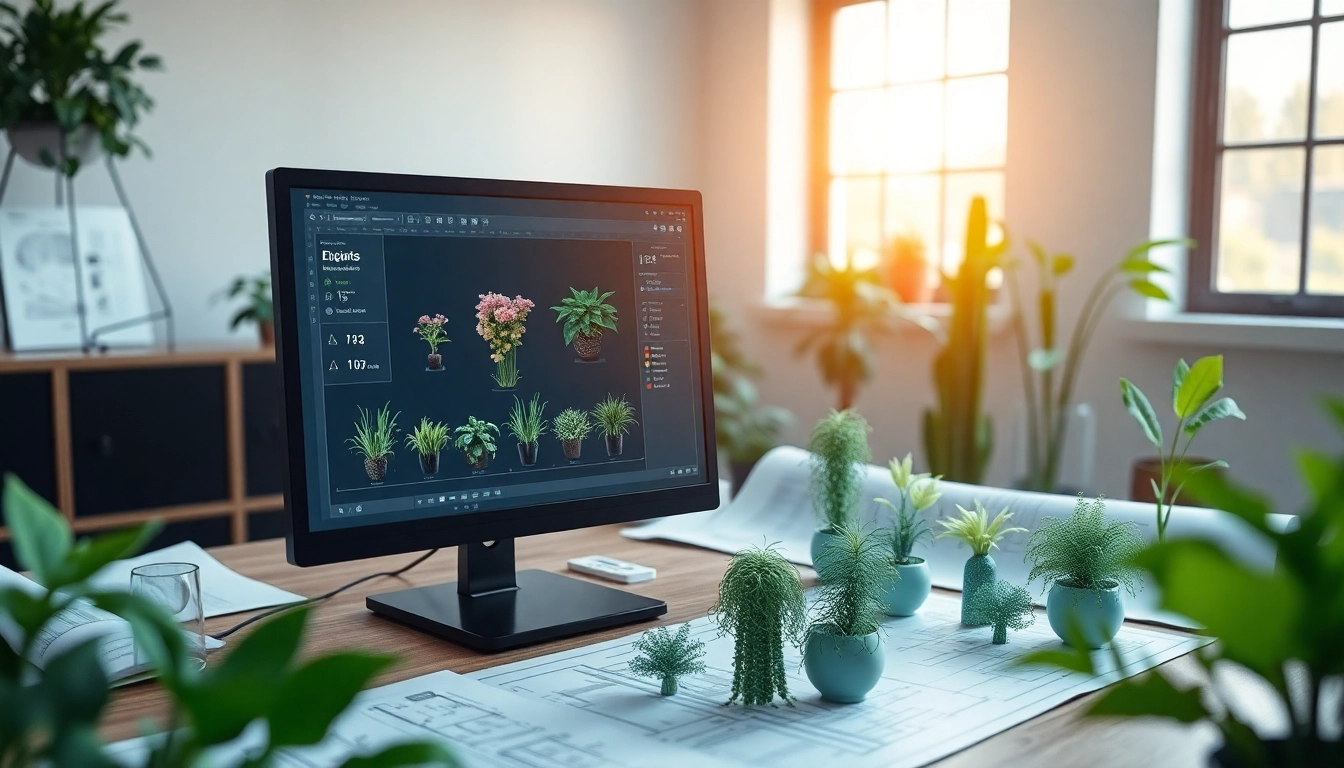
Plant 3D modeling refers to the process of creating and managing three-dimensional models of plants, particularly industrial plants such as those used in manufacturing, oil and gas, and chemical processing. This advanced modeling technique enables engineers and designers to visualize how various components, like piping, equipment, and structures, will integrate into a cohesive whole. This type of modeling not only offers precision but also allows for the identification of potential design issues early in the process, thereby reducing costs and time during the construction phase. Effective Plant 3D modeling incorporates the development of both 3D models and relevant accompanying documentation, including piping and instrumentation diagrams (P&IDs).
Core Features and Benefits
At its core, Plant 3D modeling is designed with several fundamental features tailored to enhance productivity and efficiency in plant design. Some of the most notable features include:
- Intuitive User Interface: The software provides an accessible user interface that simplifies the process of creating intricate plant models.
- Library of Components: Users have access to extensive libraries containing standard components, such as pipes, valves, and equipment, making it easier to comply with industry standards.
- Collaboration Tools: Featuring built-in collaboration capabilities allows multiple stakeholders to work simultaneously, facilitating real-time updates and feedback.
- Enhanced Visualization: The 3D visualization capabilities enable designers to scrutinize the plant model from various angles, improving understanding and communication.
- Automated Documentation: The software can automatically generate orthographic drawings, isometrics, and other essential documentation, streamlining the overall design process.
The benefits of adopting Plant 3D modeling range from improved design accuracy and reduced project timelines to enhanced collaboration among team members. These features significantly elevate the quality and efficiency of plant design workflows.
Common Use Cases in Industry
Plant 3D modeling is used extensively across various industries, and its applications encompass a wide array of functions:
- Oil and Gas: Used for designing pipelines and processing facilities, ensuring compliance with strict safety and environmental regulations.
- Chemical Manufacturing: Facilitates the design of complex processing plants while managing both equipment and material flow effectively.
- Water Treatment: Employed in the design of water treatment facilities to optimize the management of hydraulic systems and piping layouts.
- Food Processing: Helps in developing hygienic and efficient layouts for food production processes, taking into account industry-specific requirements.
- Power Generation: Aid in designing plant infrastructures that can withstand operational challenges and regulatory standards.
Getting Started with Plant 3D Modeling
Essential Software and Tools
To embark on Plant 3D modeling, selecting the right software is paramount. While several options exist, the primary tool preferred by many professionals is AutoCAD Plant 3D. This software integrates seamlessly with AutoCAD's existing 2D functionalities and includes extensive features tailored for plant design. Additional tools such as data management systems, rendering software, and structural design plugins can enhance the modeling process.
Basic Design Principles
A foundational understanding of design principles is critical in Plant 3D modeling:
- Utilizing Design Standards: Familiarize yourself with relevant industry standards and codes to ensure all designs adhere to safety and compliance regulations.
- Prioritizing Functionality: The design should prioritize operational efficiency, ensuring the model represents actual process flow and accessibility.
- Incorporating Flexibility: Consider future expansions or modifications in design to avoid costly changes down the line.
- Focus on Detail: Pay close attention to details such as material specifications, connector types, and equipment arrangements to avoid errors.
Initial Setup and Configuration
The first step in Plant 3D modeling is setting up the software and configuring the workspace:
- Software Installation: Ensure that AutoCAD Plant 3D is installed on a system that meets the necessary hardware requirements for optimal performance.
- Workspace Configuration: Customize the workspace to suit individual preferences, organizing toolbars for easy access to essential components.
- Library Management: Configure access to the component libraries and create project folders for storing models and supporting documents.
Advanced Techniques for Effective Plant Design
Optimizing 3D Models for Performance
As projects grow in complexity, optimizing 3D models for performance becomes crucial. Here are some techniques to enhance performance:
- Model Simplification: Reduce the complexity of 3D models by removing unnecessary details that do not affect function but impact performance.
- Layer Management: Utilize layers to organize different components of the model, allowing for better visualization and performance management.
- Use of Blocks: Incorporate blocks for repetitive elements to minimize file size and improve processing efficiency.
- Update Graphics Settings: Adjust graphics settings to balance performance with visual quality based on project needs.
Integrating Plant 3D with Other Tools
Integration enhances the functionality of Plant 3D modeling. Common integrations involve:
- Interoperability: Link with BIM software for better coordination across disciplines, reducing the risk of clashes and miscommunication.
- Database Connectivity: Connect with databases to manage component data more efficiently, improving inventory and lifecycle management.
- Cloud Collaboration: Leverage cloud-based solutions to enable real-time collaboration among remote teams, facilitating updates and documentation.
Best Practices for Collaboration
Facilitating collaboration among team members is vital for successful projects. Best practices include:
- Regular Meetings: Hold consistent check-ins to discuss progress, coordinate efforts, and address any design concerns.
- Version Control: Use version control systems to manage changes, ensuring all team members have access to the latest project files.
- Documentation of Changes: Maintain a clear record of changes made throughout the design process to keep teams aligned.
- Feedback Mechanisms: Establish channels for feedback to facilitate improvements based on team input and expert reviews.
Troubleshooting Common Issues in Plant 3D Modeling
Frequent Errors and How to Fix Them
Like any software, users may encounter frequent errors when working with Plant 3D. Common issues and their fixes include:
- Crashes: Regular software updates and maintaining system performance can prevent software crashes. Always save work frequently.
- Missing Components: When components do not appear in models, check library settings to ensure paths are correctly configured.
- Clashing Elements: Utilize clash detection tools to identify overlaps in infrastructure before finalizing designs, avoiding costly reworks.
Resources for Support and Assistance
Numerous resources exist for troubleshooting and assistance:
- Official Documentation: Comprehensive guides detailing features and functionalities are readily available through the software’s official documentation.
- Online Courses and Tutorials: Leverage online platforms offering tutorials and courses aimed at enhancing skills in Plant 3D modeling.
- User Communities: Join forums and social groups where users share insights and solutions to common challenges faced during modeling processes.
Community Forums and Knowledge Sharing
Engaging with community forums can provide invaluable insights. Knowledge sharing from experienced users can accelerate learning curves and improve workflows. Participating in discussions, asking questions, and sharing solutions enhances the overall proficiency within the industry.
Measuring Success in Plant 3D Modeling Projects
Key Performance Indicators
Measuring the success of Plant 3D modeling projects involves establishing Key Performance Indicators (KPIs). These can include:
- Project Timeline Adherence: Evaluating whether the project meets its scheduled deadlines.
- Cost Management: Monitoring budget overruns and adherence to financial projections.
- Quality of Deliverables: Assessing the precision and accuracy of the final outputs, including models and drawings.
- User Satisfaction: Gathering feedback from users regarding their experience and outcomes associated with the project.
Feedback and Iteration Processes
Implementing a continuous feedback mechanism allows teams to iteratively improve project outcomes. Regularly soliciting input from stakeholders aids in refining processes and ensuring designs align with operational expectations. Occasional iterations based on feedback can lead to enhanced design quality and greater stakeholder satisfaction.
Case Studies of Successful Implementations
Case studies showcasing successful Plant 3D modeling implementations can provide lessons and benchmarks for future projects. Factors to analyze include project scope, challenges faced, solutions implemented, and the ultimate impact on project performance. Best practices drawn from these examples serve to guide future endeavors and inform strategic decision-making.
FAQs About Plant 3D Modeling
What types of projects benefit from Plant 3D Modeling?
Projects in industries like oil and gas, chemical manufacturing, and water treatment benefit the most due to their complex infrastructure requirements and safety regulations.
How can I improve my Plant 3D modeling skills?
Engaging in online tutorials, attending workshops, and participating in forums can provide valuable insights and improve your modeling skills through practical experience.
What are common integration tools used with Plant 3D?
Common integration tools include BIM software, rendering tools, and cloud-based collaboration platforms that enhance design workflows and communication among teams.
Is Plant 3D suitable for small projects?
Yes, while designed for large-scale projects, Plant 3D can also be helpful for small projects, offering precise modeling capabilities that streamline design processes.
How do I troubleshoot missing components in my model?
Check the library settings to ensure paths are defined correctly. If components are still missing, consider refreshing the library or reinstalling the software.